OLED screens don’t have a backlight. Each pixel produces its own light. When a pixel is black, it’s literally off. Not dark gray, not “close to black.” Off. Zero power consumption for that pixel.
That changes how you should think about wallpapers.
On an LCD monitor, dark wallpapers and light wallpapers use roughly the same power. On OLED, a wallpaper that’s 60% true black uses measurably less battery on a laptop, and less power on a desktop monitor. It adds up over months.
But this isn’t just about power. OLED black looks different. It’s the absence of light, not a dark shade. Wallpapers designed around deep blacks look more vivid on OLED because the contrast between the lit pixels and the off pixels is infinite. There’s no glow, no light bleed.
What to look for
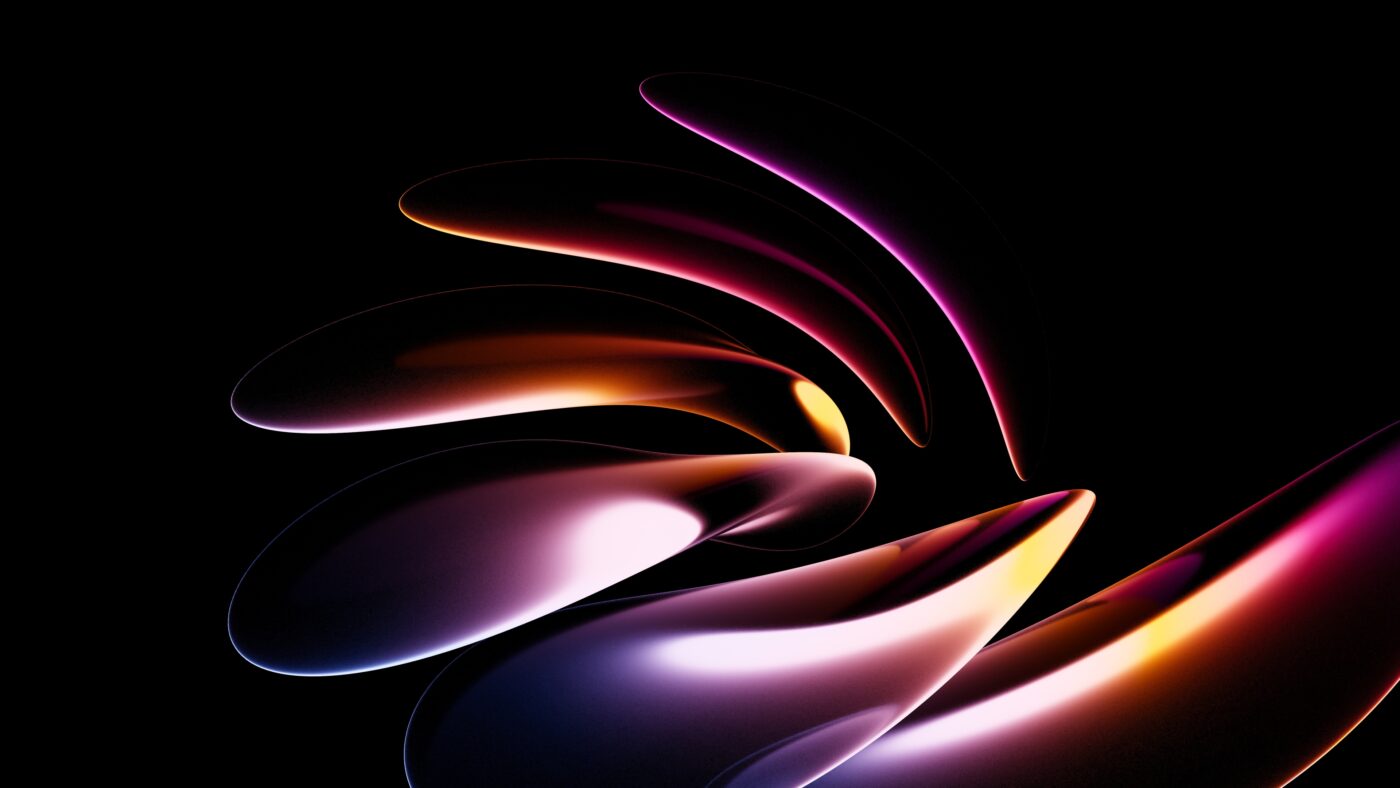
Not every “dark wallpaper” is good on OLED. You want true #000000 black in the majority of the frame, not just dark gray or navy. The difference is subtle on LCD but obvious on OLED — dark gray pixels still emit light, true black pixels don’t.
Abstract and space wallpapers tend to work best. They naturally have large black regions with concentrated bright elements. A nebula floating in space is basically the perfect OLED wallpaper: most of the frame is pure black void, with intense color where it counts.
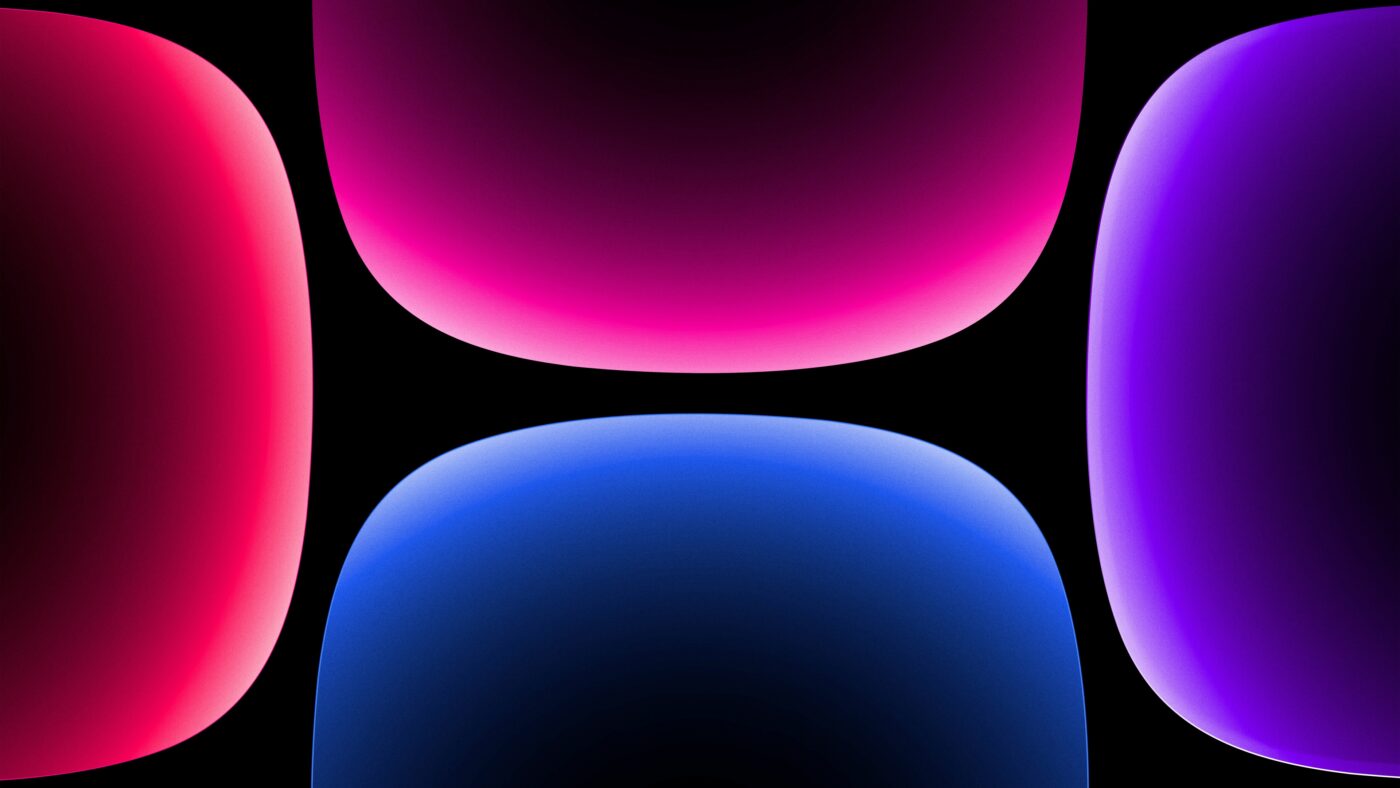
Gradient wallpapers that fade to black also work well. The transition from color to true black creates a vivid floating effect on OLED that you don’t get on LCD. The color appears to hover in a void rather than sitting on a dark surface.

What to avoid
Photos with haze, fog, or atmospheric lighting. Even if they look dark, they rarely hit true black. The subtle grays mean every pixel is still lit. Landscape photos at night are especially bad for this because the sky reads as “dark” to your eye but is actually a noisy gray when you zoom in.
Also avoid wallpapers with large areas of very dark gray that aren’t quite black. On LCD these look identical to black, but on OLED you’ll see a faint glow where you expect darkness. It’s one of those things you can’t unsee once you notice it.
OLED burn-in: does your wallpaper matter?
Burn-in happens when static elements stay on screen at high brightness for long periods. Your wallpaper is one of the most persistent static elements on your screen. Bright, high-contrast wallpapers with sharp edges are more likely to leave faint ghost images over time.
Dark wallpapers reduce this risk because most of the pixels are off or very dim. The bright elements are usually small — a streak of light, a star, a color accent — and don’t cover enough area to burn in noticeably. One more reason dark OLED wallpapers aren’t just about aesthetics.
Screens this applies to
Any OLED, AMOLED, or MicroLED display: iPhone 12 and newer, Samsung Galaxy phones (all recent models), MacBook Pro with M-series chips, LG OLED TVs, Samsung OLED monitors, Dell/ASUS OLED laptops. If you bought a premium screen in the last 3 years, it’s probably OLED.
Start with our Dark Wallpapers for OLED collection, or browse space wallpapers and Nebula & Star Clusters for natural OLED blacks.